Search
The search field sits at the top of the map. It searches the data already stored on your device, so results are immediate and work without a connection.
What can be searched
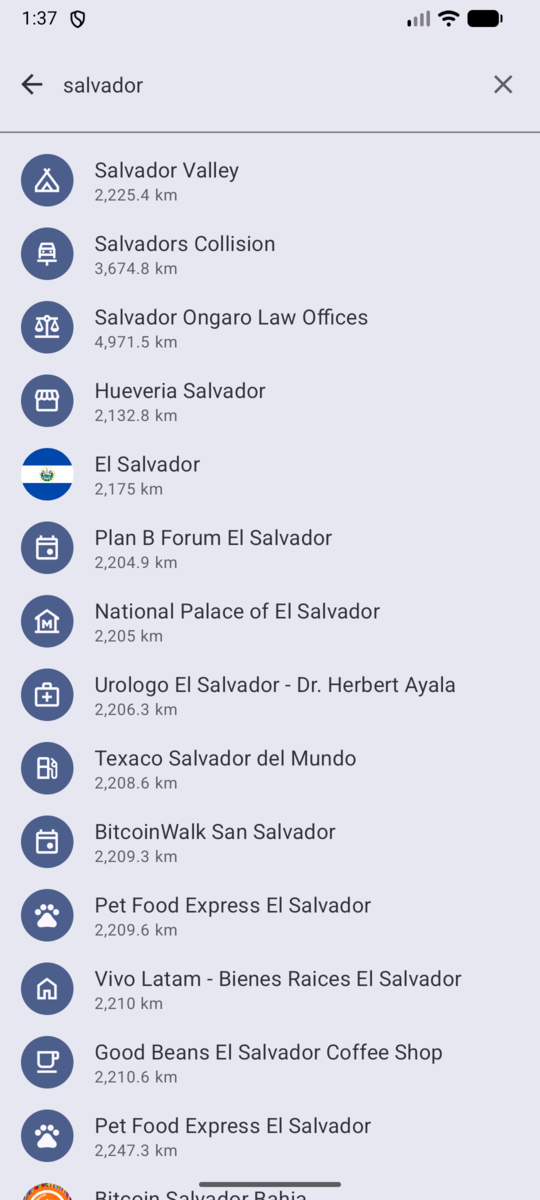
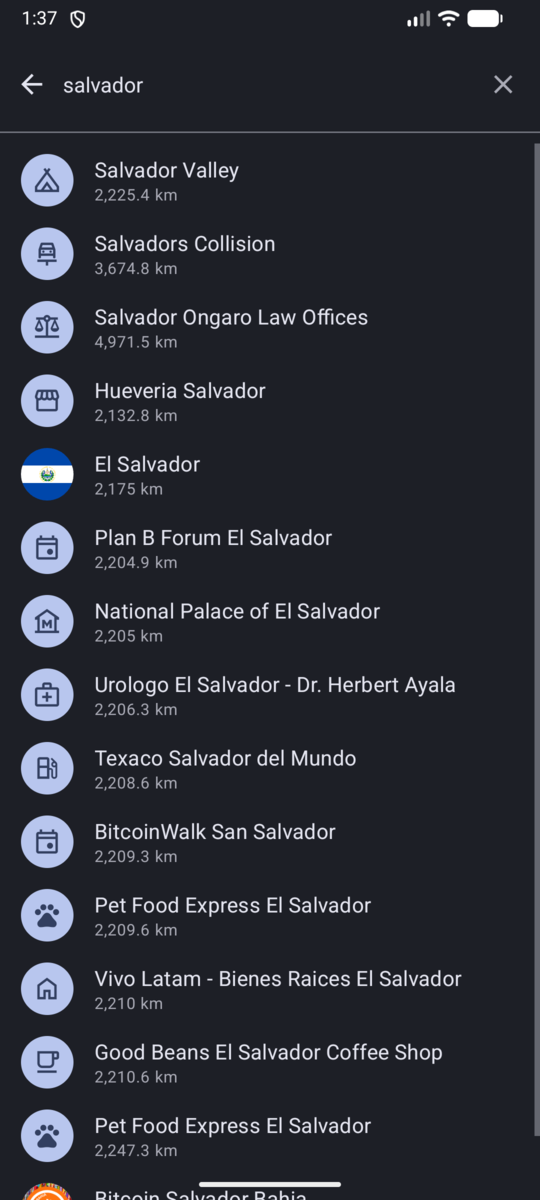
Type a name into the search field and the app looks through:
- Places — merchants, ATMs and exchanges.
- Areas — communities and countries.
- Events — meetups and other events.
Results appear below the field as you type. A short pause is applied before the search runs, so the list keeps up while you type.
How results are ordered
Results prefer what is close to the middle of the map. Move the map to the area you care about before searching to get more relevant hits.
Opening a result
What happens depends on the kind of result:
- A place opens its card at the bottom of the map and moves the map to it. The correct filter is selected automatically.
- An area zooms the map to its bounding box. Opening the area chip then takes you to its full page.
- An event opens the event screen.
Once you pick a result, the search field is cleared and the keyboard is dismissed so you can see the map.
Offline behaviour
Because search reads from the local database, it keeps working offline, and it stays fast regardless of how large the synced data is.
Next: Common actions .
Back to the documentation index .