First launch
When the app opens for the first time, it shows the map with a snapshot of places, areas, events and comments that ships with the app. That means it is usable immediately, even before the first sync finishes or while you are offline.
The app then syncs in the background to bring the data up to date. A small spinning indicator appears at the bottom left while this is happening; it is normal on the first launch or after a while without a connection.
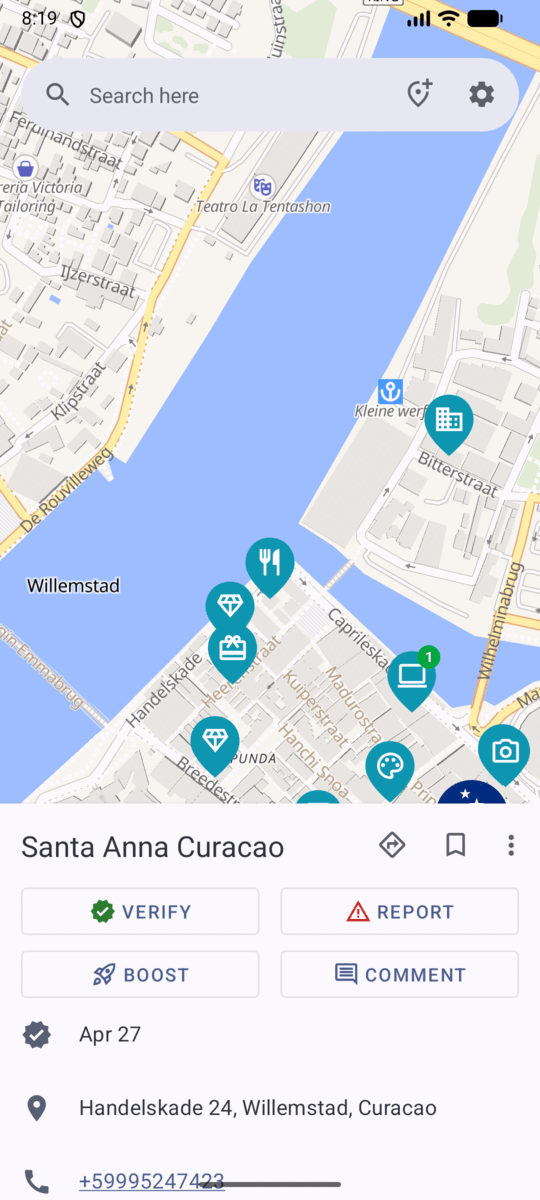
Tap any marker to open that place’s details in a card along the bottom of the screen.
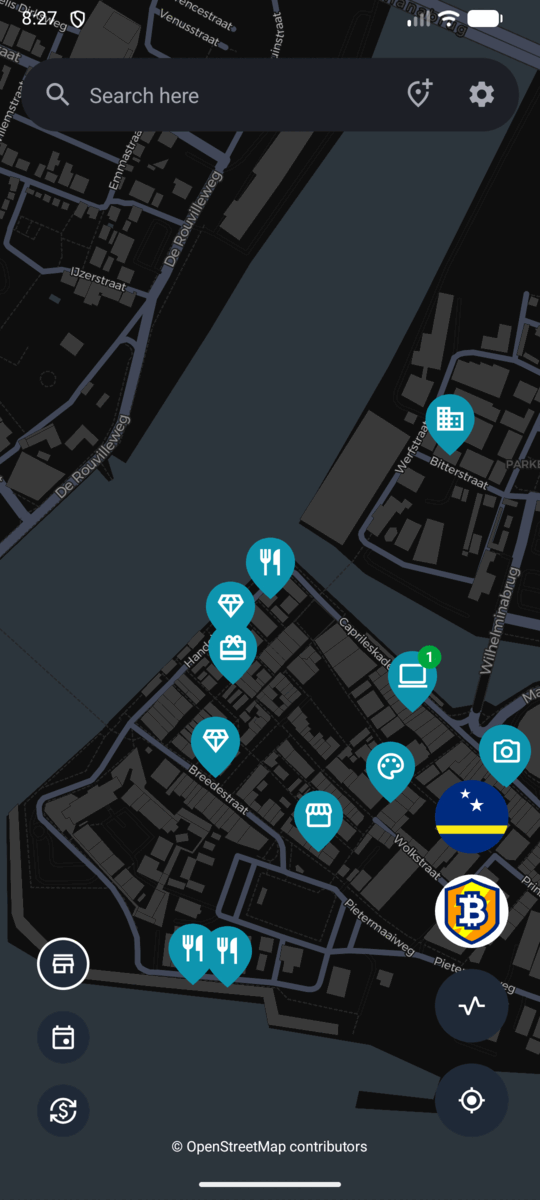
With the card dismissed, the map shows the controls for browsing what is around you:
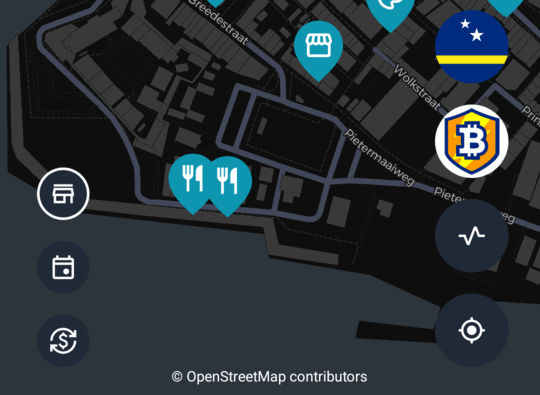
- The three buttons along the bottom left switch what the map shows: places, events and exchanges (bitcoin ATMs and currency exchanges).
- The chips on the right list the areas covering the current view: the country at the top, then any local communities below it. Tapping one opens that area’s page.
Next: Permissions and personal data .
Back to the documentation index .